Armor Modpack is now available on WGMODS
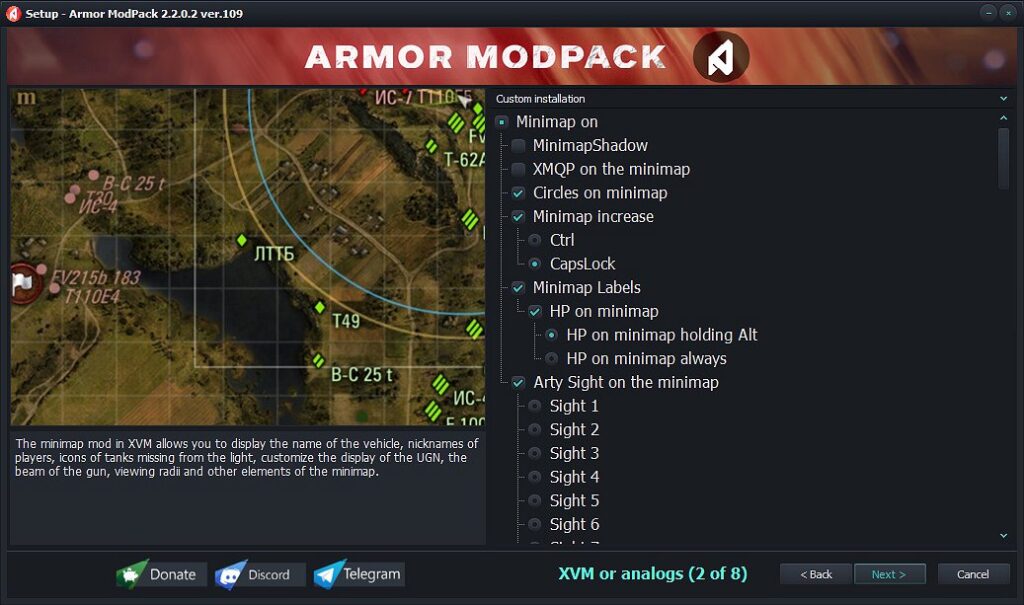
One of the longest-standing projects in the tanking community has officially moved to wgmods.net. With over 10 years of development behind it, the modpack has built up a collection of unique features many of which you won’t typically find in other popular setups.
Armor Modpack focuses on functionality that goes beyond the usual “standard” bundles:
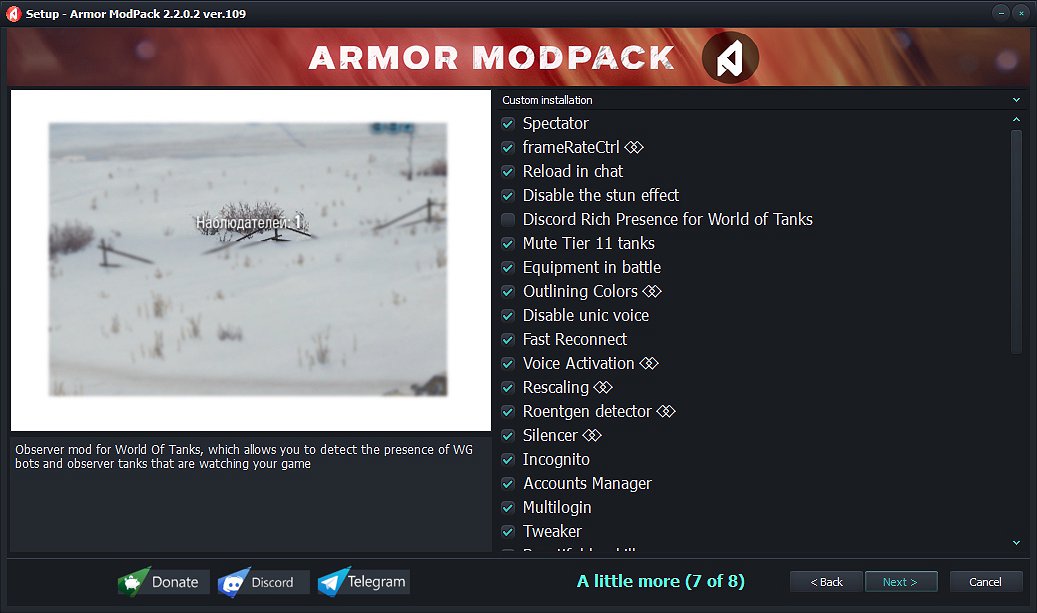
A full account manager with multi-login support, allowing you to switch accounts quickly without leaving the game.
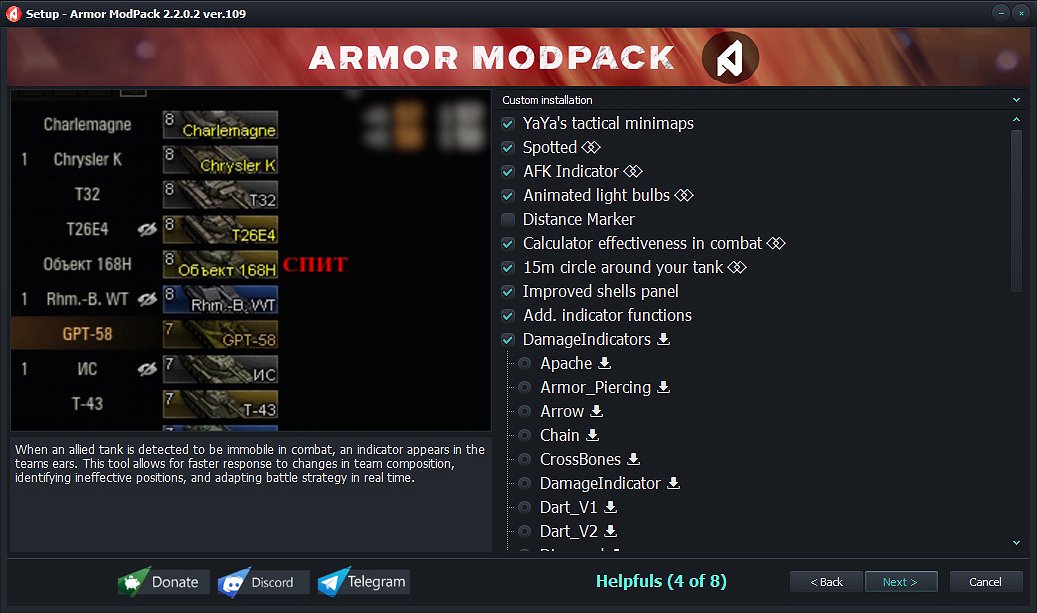
An AFK indicator to spot inactive players, along with the Observers mod.
An incognito mode that lets you stream your favorite game without worrying about streamsnipers.
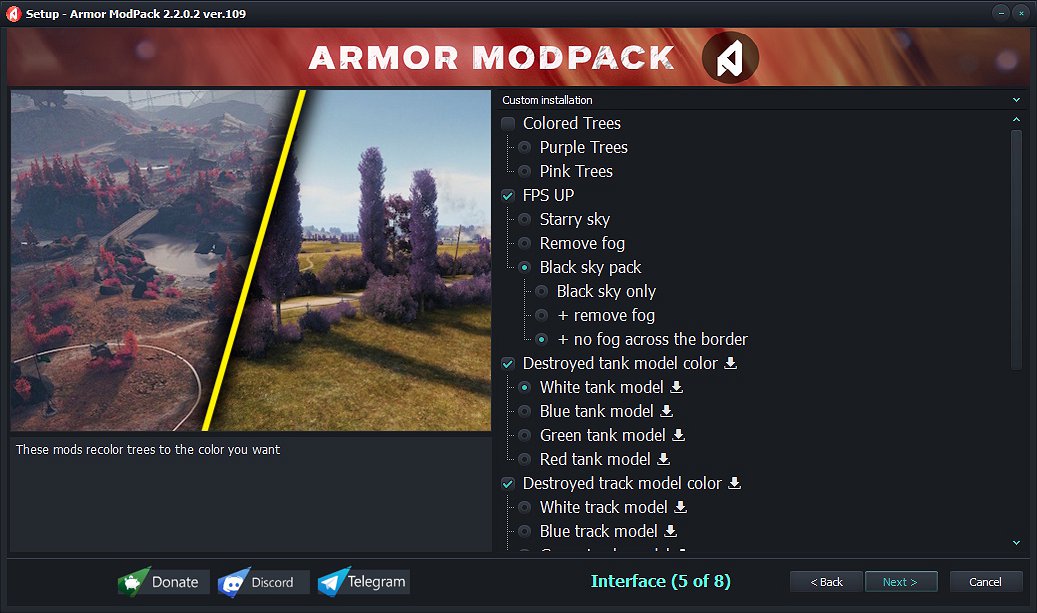
An in-game radio and colored wrecks of destroyed tanks, making it easier to navigate cluttered battlefields.
Overall, it’s a reliable and well-optimized option for players who want more than just updated sights offering specialized tools to enhance gameplay and fine-tune the client to their preferences.
If you have any questions about mods or settings, feel free to ask me on Telegram or Discord (buttons in the modpack)
If the author is not indicated, and the author wants to indicate it, please write to the Discord or Telegram channel and I will add it without any problems
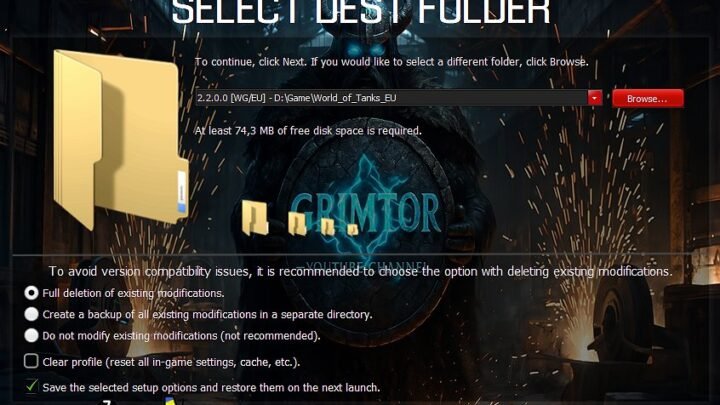
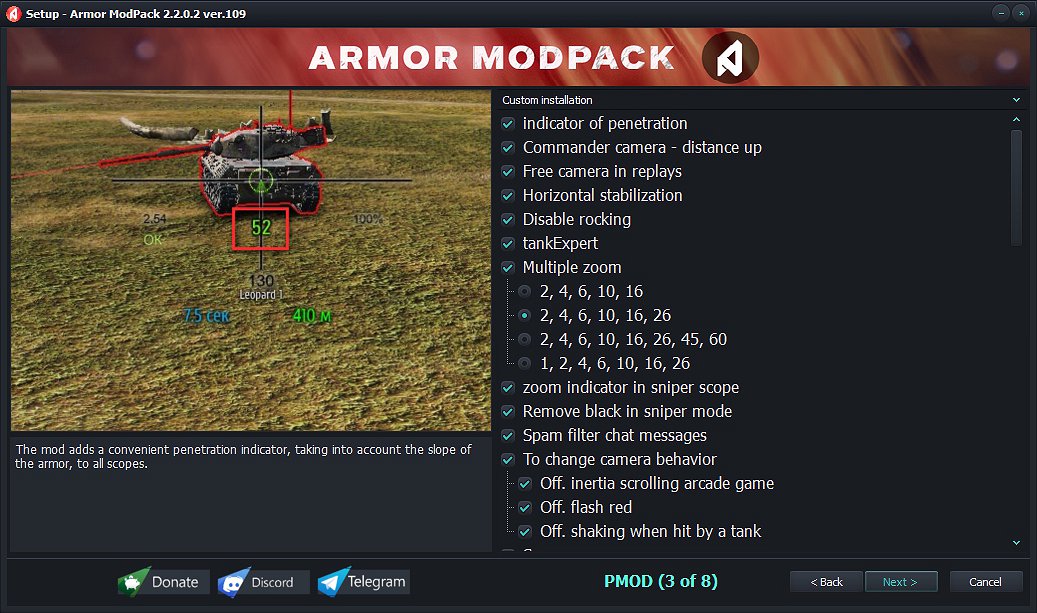
Installation:
Run the installer file.
Point it to your World of Tanks installation directory.
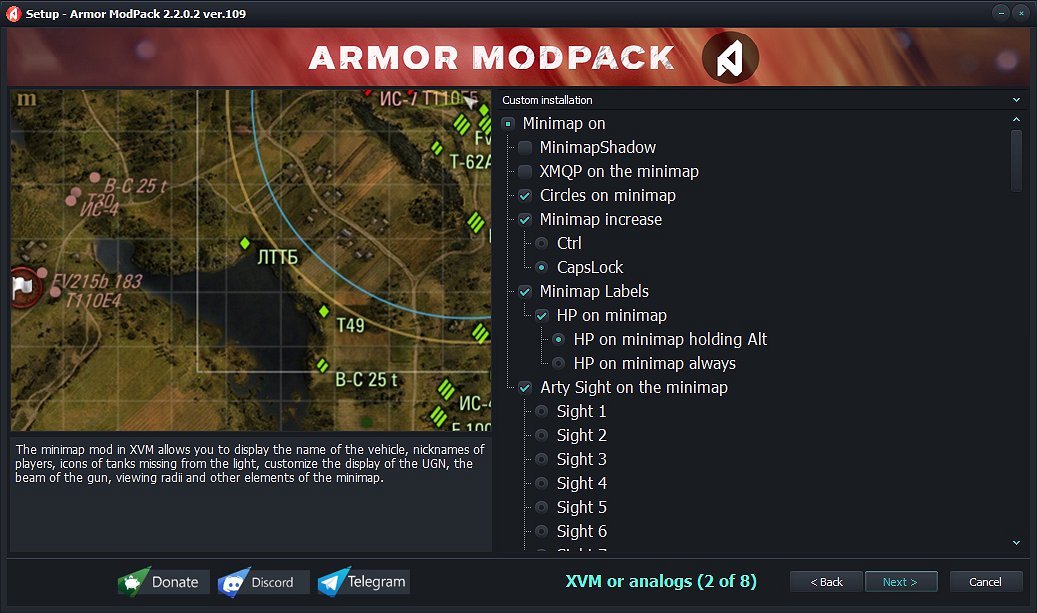
Select the desired mods and configuration options.
To modify your setup later, simply re-run the installer; your previous selections will be saved automatically.
Updating:
Keep the existing modpack installed — do not remove it.
Download and execute the latest installer version (your prior settings will be retained).
Follow the installation steps to complete the update.
Uninstallation:
Remove the modpack via Windows “Apps & Features” (Add or Remove Programs) in the Control Panel.
Credits:
EXTREMAL_WOT