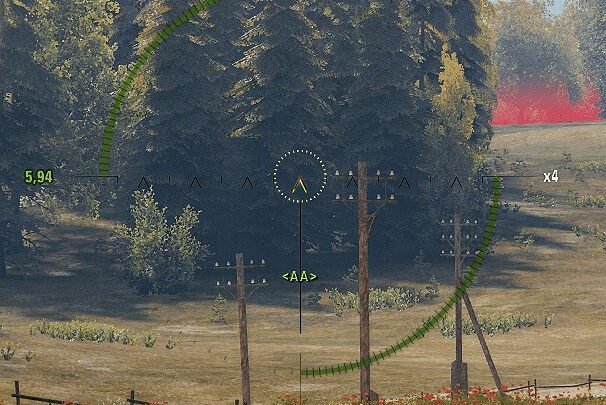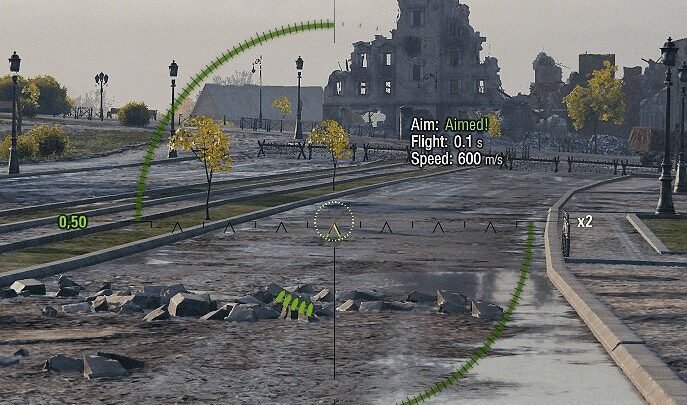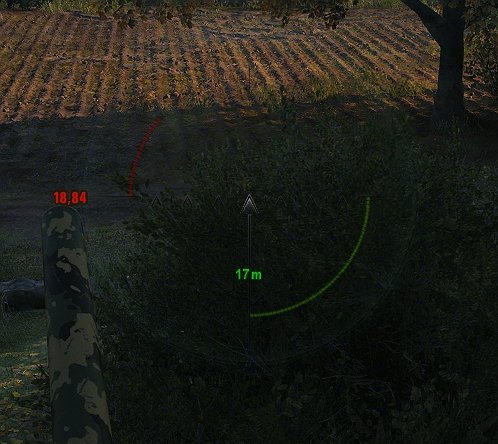
BalCalcMod is a ballistic distance helper. It lets you lock the current aiming distance so your shells do not fly over a target that moves or hides behind cover.
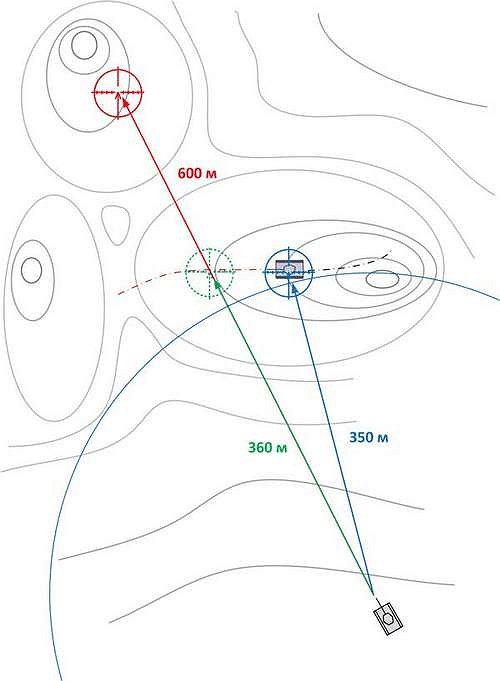
Hold the lock key to keep the current distance to the target. After that the shell keeps the same range even if you move the crosshair up onto the sky, a ridge, or terrain behind the enemy, so it no longer flies over the target.
How to use it: set the correct distance first, then press and hold the lock key before the target disappears. Keep the crosshair on the point you want to hit and fire while holding the key. It is most useful against enemies that peek and quickly pull back behind hills, rocks or buildings. It works in sniper, arcade and artillery view.
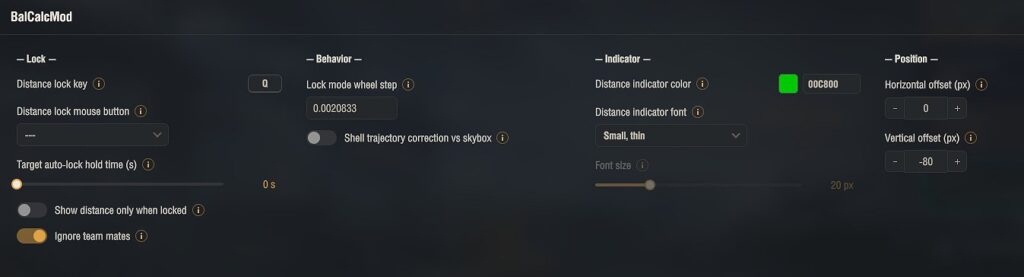
Options:
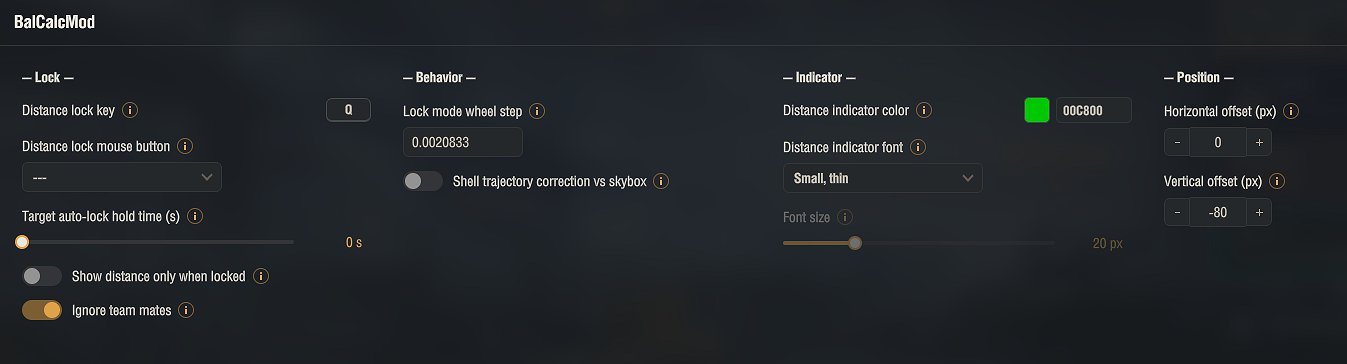
• Lock key or mouse button (default Q)
• Distance indicator color, font, position and shadow
• Automatic lock when the crosshair is on a tank, with adjustable hold time (sniper view)
• Shell trajectory correction so the aim does not jump to maximum range when pointed at the sky
• Mouse wheel step for adjusting the locked distance in artillery view
All settings are available in the garage through the in-game Mod configurator (mod settings menu). The configuration is saved to %APPDATA%Wargaming.netWorldOfTanksmodsAslainbalcalcBalCalc.json
This mod has been reviewed by Wargaming and confirmed as allowed. Using it cannot result in a ban.
Installation
1. Download the archive.
2. Open it and copy the mods folder into your World of Tanks game folder. The files go into mods[version], where [version] is your current game client version (the folder name changes after each game update). The archive already contains the correct version folder, so a normal extract puts everything in place.
3. Confirm overwriting if asked.
4. Start the game.
Open the settings in the garage through the Mod configurator (mod settings menu) and set the lock key there (default Q). The archive already contains the settings library (modsSettingsApi) needed for that menu; without it the mod runs with default settings.
Credits:
original BalCalcMod by Evgeni Kiselev (ktod), later maintained by Ktulho. This GUI edition by Aslain.