For Support / Questions / Suggestions visit: https://discord.gg/DqZ8fuX43C
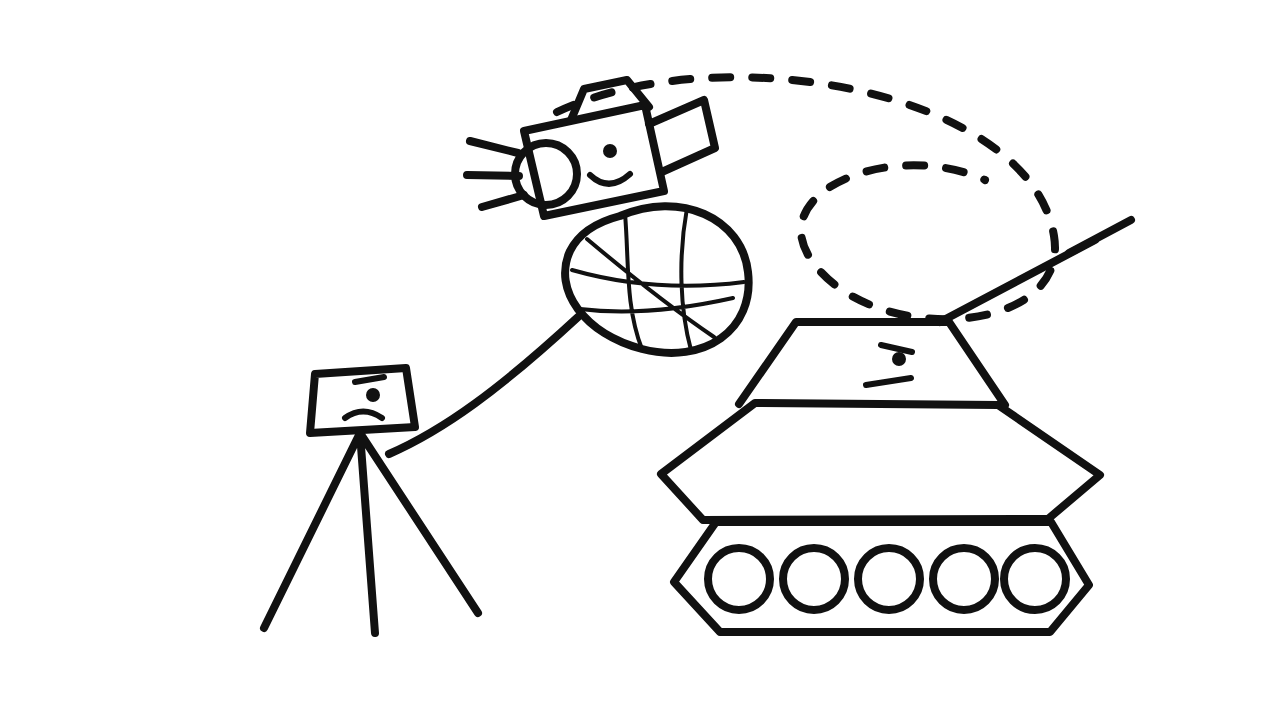
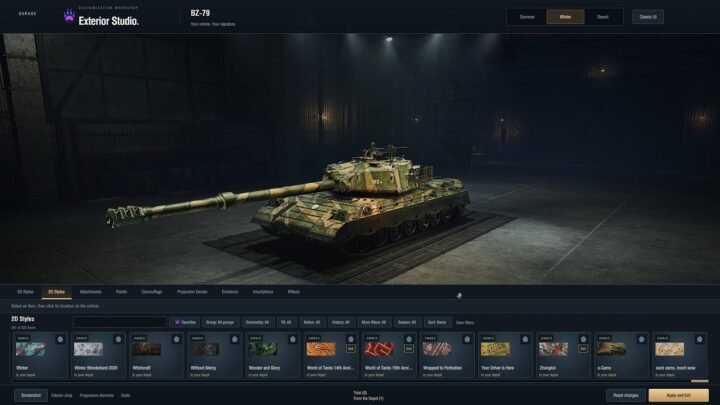
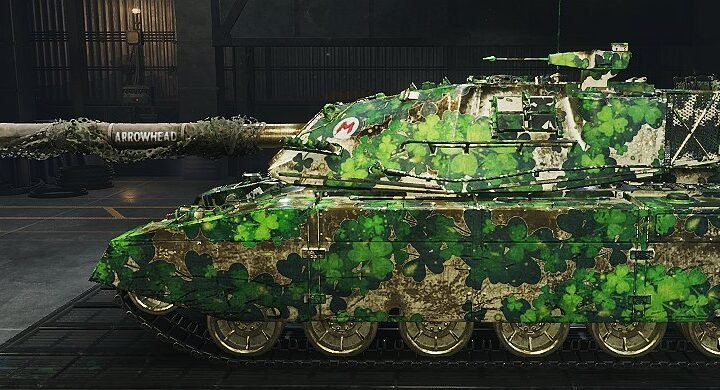
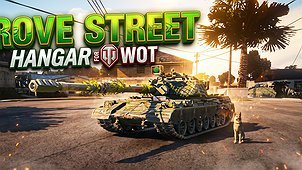
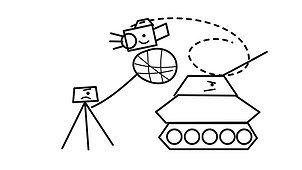
Cinematic Freecam unlocks World of Tanks’ native cinematic camera for creating screenshots, videos and smooth camera movements.
Supported locations:
• Hangar
• Replay playback
• Player-created Training Room battles
The freecam is intentionally unavailable in Random Battles, competitive modes, Topography and other live battle types to comply with Fair Play Policies.
HOW TO USE
Press Caps Lock + F3 to enable or disable Cinematic Freecam.
In battles and replays, activate it from the normal arcade or postmortem camera. In the hangar, the same shortcut releases the camera for free movement.
Disabling hangar freecam restores the normal hangar camera, cursor and vehicle selection.
CONTROLS
• W / A / S / D — Move
• Q / E — Move down or up
• Mouse — Look around
• Mouse wheel — Adjust vertical movement
• 1–0 — Select a movement-speed preset
• I / K — Increase or decrease movement speed
• O / L — Increase or decrease rotation speed
• Insert / Delete — Adjust field of view
• F — Restore the default field of view
• R — Level the camera
• P — Toggle movement inertia
• C — Toggle orbit mode
• X — Toggle terrain alignment
• B — Bind or unbind the camera from a vehicle
• Apostrophe (‘) — Toggle the gun marker
The mod uses the camera and control system already included in World of Tanks. It does not add recording tools, overlays or server-side functionality.£
Support me on Patreon: https://www.patreon.com/c/Gravity_Assist