FPS, Ping and Lag
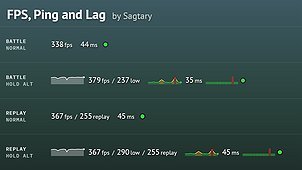
Short description: Exact FPS, 1% low, ping and lag in one line, with 30-second graphs on Alt. Works in replays.
Mod description
Replaces the game’s FPS/ping panel in the top left corner with one line: FPS, ping and a lag lamp.
Hold Alt (the game’s extended info key) to see more: graphs of the last 30 seconds for FPS and ping, 1% low FPS and the lag history. In replays the line also shows the FPS recorded in the replay.
What it shows
FPS
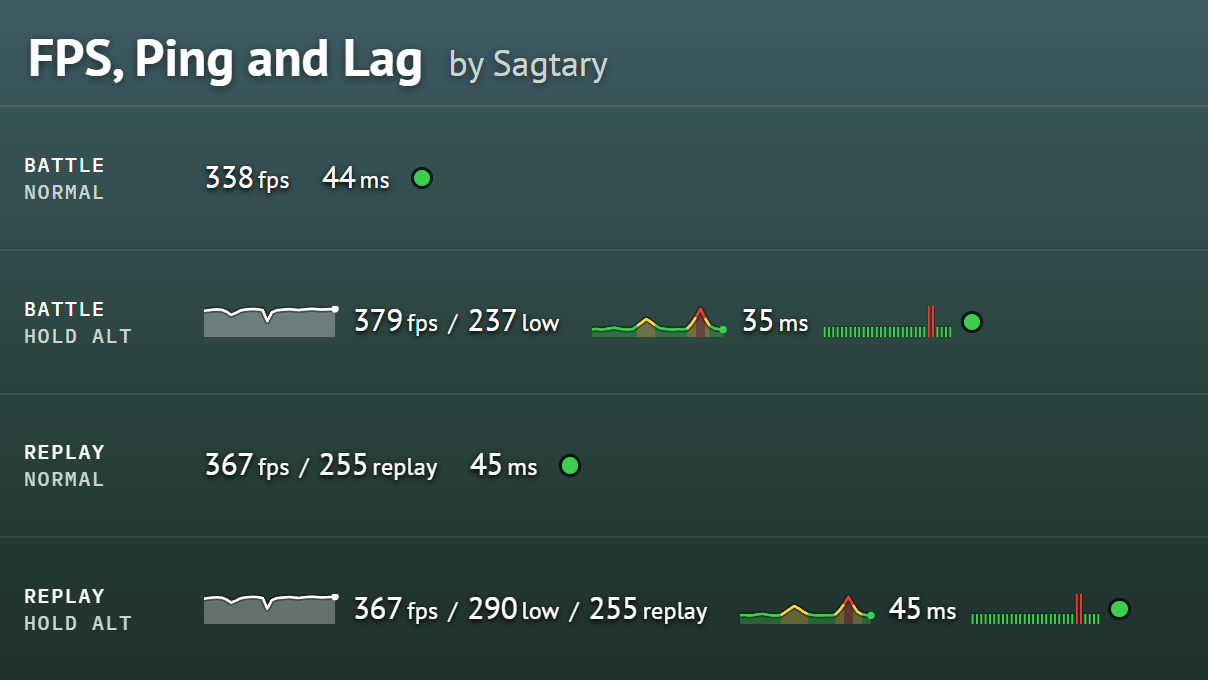
- Current FPS, for example 338fps: frames per second over the last second, measured from the time of every frame.
- FPS graph (Alt): FPS history for the last 30 seconds, newest on the right.
- 1% low (Alt), for example 237low: the FPS of the slowest 1% of the time over the last 30 seconds. Shows stutters that the average FPS hides.
- Replay FPS (replays only), for example 255replay: the FPS the game showed when the battle was recorded.
Ping
- Current ping, for example 44ms: the same value as the game’s panel. In a replay, the ping recorded in it.
- Ping graph (Alt): ping history for the last 30 seconds, coloured with the game’s own scale for server ping: green up to 59 ms, yellow 60–119 ms, red 120 ms and more.
Lag
- Lag lamp: green while updates from the server arrive, red when they stop. This is the game’s own lag signal; high ping alone does not make it red.
- Lag ticks (Alt): one tick per second for the last 30 seconds. Tall and red means there was lag in that second.
FAQ
1. Why is the FPS different from the game’s panel?
The game’s panel shows the average of the last 50 frames, updated every 0.5 s. At 300 FPS that is only about the last third of each half-second, so a short freeze can be missed. This mod counts every frame of the last second.
2. Why does the ping not change while the lamp is red?
During lag no new ping measurements arrive, so the game keeps the last value. The lamp is the sign that the ping on the screen is out of date.
3. What does 1% low mean?
Sort the last 30 seconds of frames from the slowest, take the slowest 1% of the time, and look at the FPS there. 379fps / 237low means the game mostly runs at 379 FPS but drops to about 237 in short moments.
Source code & feedback
Source code is on GitHub: https://github.com/pavel-bolhovitin/wot-fps-ping
Report problems in the comments here or in GitHub issues.