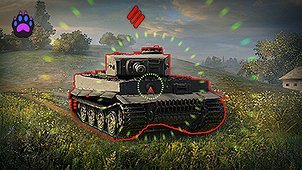
Sniper Snap lets you return from looking around straight into sniper mode at your gun’s current aiming point.
Hold the usual free-look control to check your surroundings, then press your configured hotkey to enter sniper view aligned with the gun reticle, rather than the direction your camera is facing.
- Configurable hotkey through Aslain Mod Menu; default: K.
- Uses the server reticle when server aim is enabled.
- Supports standard, dual-gun, and twin-gun sniper views.
- Retains the game’s native sniper zoom behavior.
- Can be enabled or disabled in the mod settings.
Sniper Snap switches the camera only. It does not fire automatically, select targets, or change your gun’s aiming speed.
The shortcut works from arcade view on non-artillery vehicles. The settings menu and its required components are included.