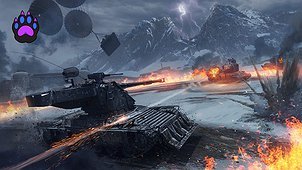
Steel Hunter Ability Helper lets you check an ability’s range before using it.
Hold the configured preview key (Ctrl by default) and press the ability’s normal slot key to display a terrain-following ring around your tank. Release the preview key to hide it. This shortcut previews the range without activating the ability.
- Walküre: Repair Zone.
- Varyag: Recovery Zone.
- Raven: Trap.
- Beowulf: Ring of Fire and Adaptive Armor’s ally-healing radius.
Choose a preview key or two-key combination and a separate colour for each ability under Aslain Mod Menu > Steel Hunter Ability Helper. The default accepts either Ctrl key. Clear the preview-key binding to disable previews. Colour changes apply the next time a preview opens. Both Ring of Fire boundaries share its selected colour.
Ring of Fire shows the inner and outer boundaries of its fire-zone envelope; gaps between individual fire zones remain. Adaptive Armor shows the range for healing nearby allies when the ability ends.
The preview follows your tank as a prospective activation position. It does not track an already deployed zone or account for obstacles and height restrictions. Abilities with native placement previews retain their normal controls.
Aslain Mod Menu and OpenWG GameFace are included.
Range previews also work during Steel Hunter replay playback, including while paused. Use the same preview key and ability-slot key. Enable Toggle range preview in Aslain Mod Menu to keep a preview visible after releasing the keys; press the same shortcut again to hide it.