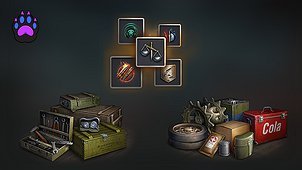
Your tank setup, ready to share.
Tank Setup Exporter turns the tank selected in your garage into a clear PNG image. Share your build with friends and clanmates, compare setups, or keep a reference for later.
What’s included
- Equipment and directives, including the secondary loadout when available.
- Ammunition types and configured shell counts for both available setups.
- Consumables for both available setups.
- Crew skills, secondary-role perks and training percentages.
- Field modification choices, including selected and locked options.
- Separate markers for the active equipment and ammunition/consumable setups.
Export from the garage
- Select the tank you want to share.
- Open the garage mods list and click Export tank setup.
- Find your saved PNG using Open exported images in the mod’s settings.
Choose Portrait or Widescreen (16:9) under Image layout in Aslain Mod Menu → Tank Setup Export. Widescreen exports use a 3200 × 1800 canvas.
Tier XI tanks include their loadouts and crew; upgrade trees are omitted. Images are saved locally, and exporting leaves your tank configuration unchanged.
Support, questions and suggestions
Join the Discord
Support my work
Gravity Assist on Patreon