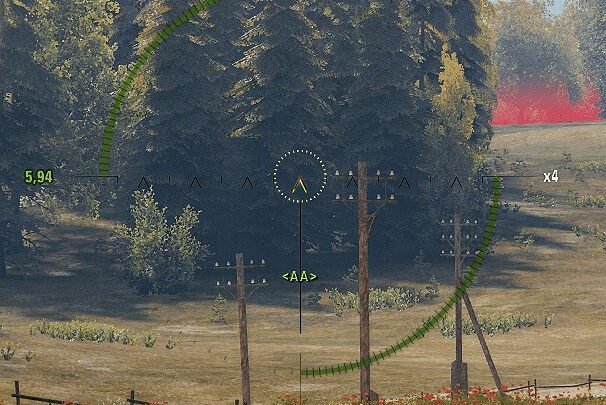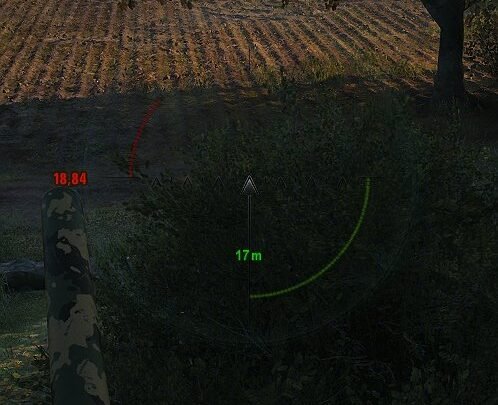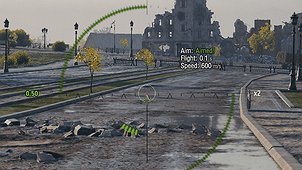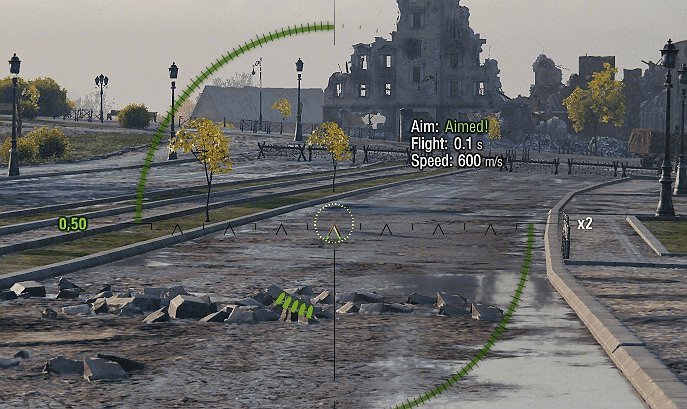
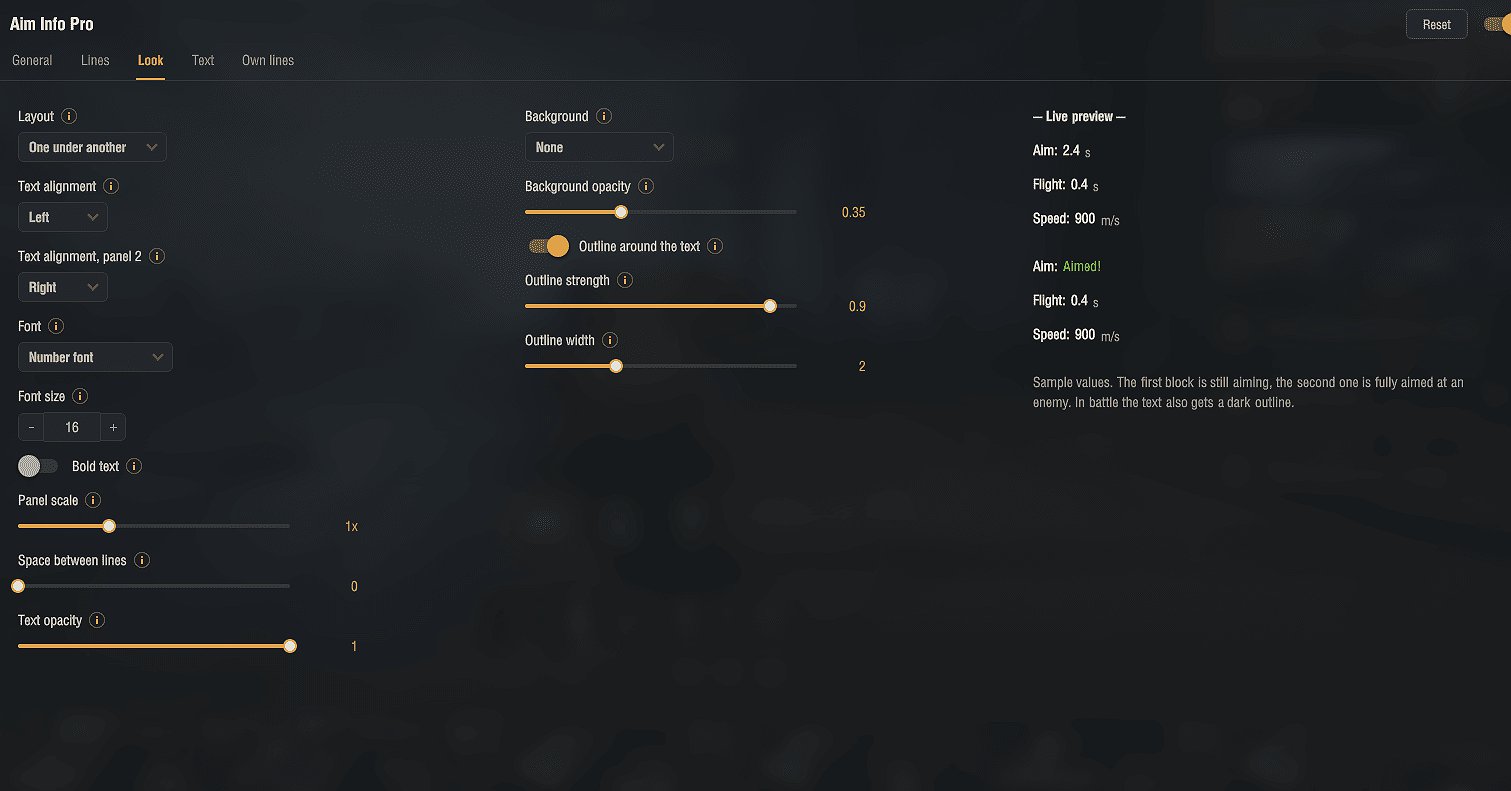
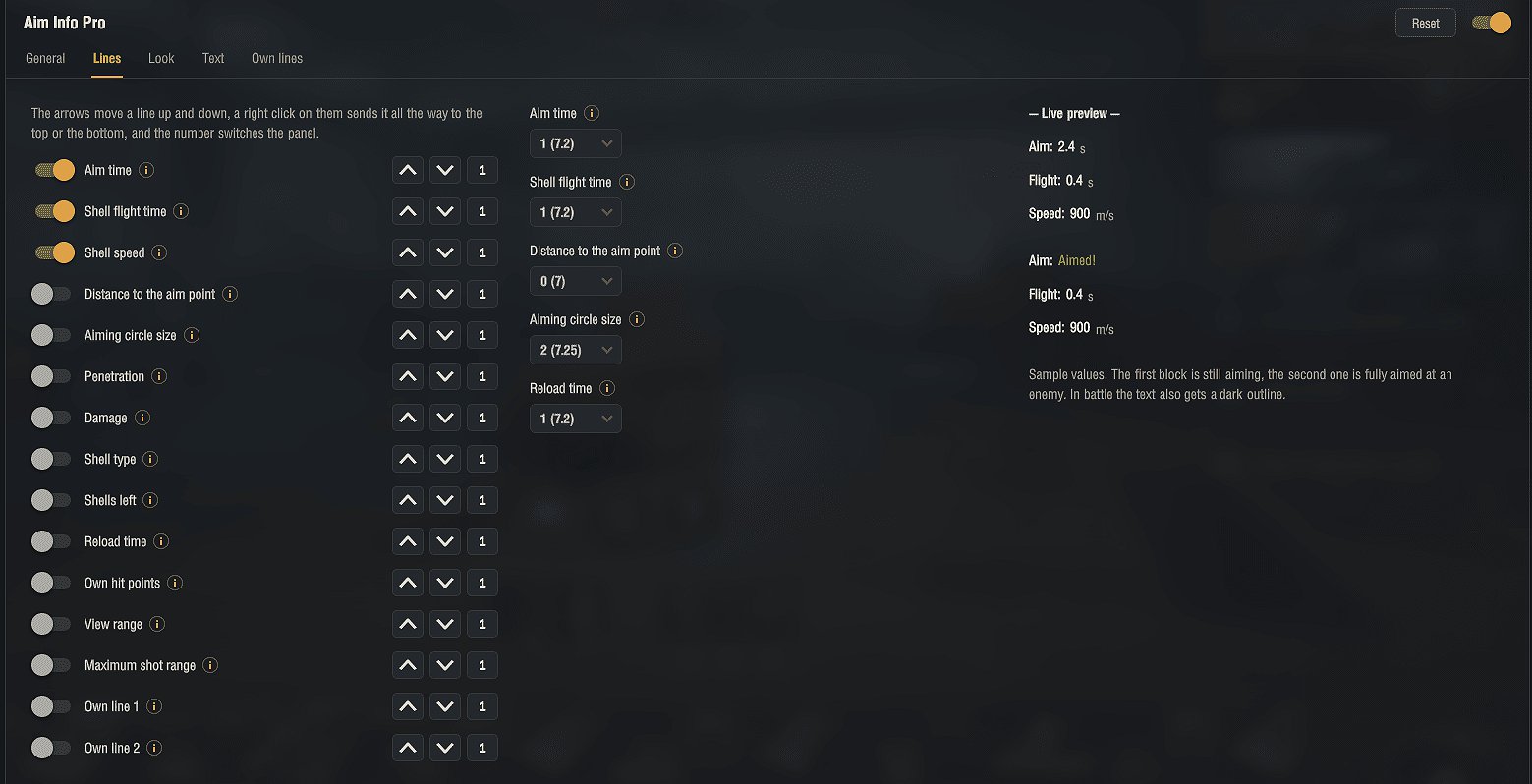
Shows aiming information right next to your reticle, set up in the mods menu in the garage.
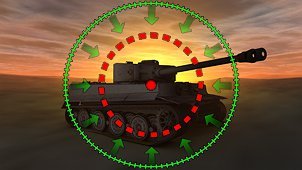
– Aim time with an Aimed! state, shell flight time, shell speed, distance to the aim point and aiming circle size
– Penetration, damage, shell type, shells left, reload time, own hit points, view range and maximum shot range
– Two panels, so the lines can sit on both sides of the reticle, dragged into place with a spot remembered for each view
– Choose the views it shows in (arcade, sniper, strategic, artillery), optionally with a show / hide hotkey
– Your own lines, with values put in by name
– Colors, font, size, outline and background to taste, with a live preview in the menu
Installation
1. Download the archive.
2. Open it and copy the mods folder into your World of Tanks game folder. The files go into mods[version], where [version] is your current game client version (the folder name changes after each game update). The archive already contains the correct version folder, so a normal extract puts everything in place.
Credits:
Aslain