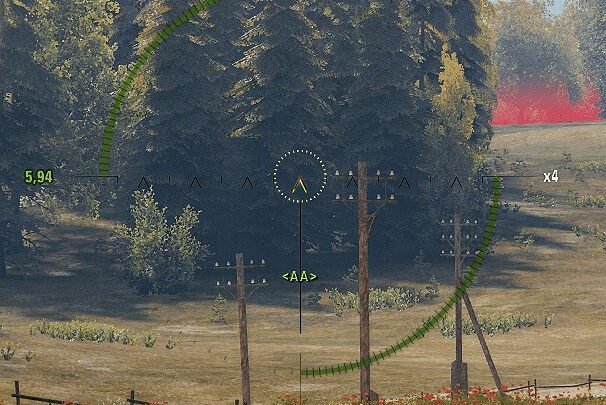
Calculates the sensitivity for sniperMode from the multiplier (slider in settings) of arcadeMode. The sniperMode multiplier is ignored.
The multiplier(slider in settings) arcadeMode adjusts the sensitivity for both arcadeMode and sniperMode, creating scalability of sensitivity on the monitor when changing FoV(Arcade, Zoom x2, etc).
How it works
Aspect ratio is the ratio between the width and height of the screen

MDV – does not depend on aspect ratio
MDH – directly dependent on aspect ratio

There are 7 methods to choose from:
- Focal Length ( Recommended for everyone ) – MDV(H) 0% – means that the speed of tracking a moving target will be the same
- Jedi’s Trick – this method is using the average 360 distance between MDV 0% and MDV 100% for the conversion
- MDV 100% – this is exactly the same as the MDH, but is instead using the vertical FOV
- MDV 133% – this is exactly the same as the MDH, but is instead using the vertical FOV
- MDH 60% – means moving the crosshair to aim at 60% of the distance between the crosshair and the edge of the monitor is the same
- MDH 75% – means moving the crosshair to aim at 75% of the distance between the crosshair and the edge of the monitor is the same
- MDH 100% – will match the movement to aim at something at the edge of the monitor
Example from popular games:, with multiplier “1”:
- CS2(CS:GO) – MDV 133%
- RUST – MDV 100%
- VALORANT – MDH 100%
- Apex Legends – Focal Length(0%)
Example of sensitivity calculation with mod in WoT:
arcadeMode sensitivity = 1; sniperMode = Zoom: x2, x4, x8;
Zoom = sniperMode sensitivity
note: the sensitivity values x2, x4, x8 are not for “preferences.xml” but for demonstration
Focal Length
- x2 = 0.47180057
- x4 = 0.232665
- x8 = 0.11593625
Jedi’s Trick
- x2 = 0.485491
- x4 = 0.241021
- x8 = 0.1202975
MDV 100%
- x2 = 0.5
- x4 = 0.25
- x8 = 0.125
MDV 133%
- x2 = 0.518795
- x4 = 0.2620565
- x8 = 0.131372
MDH 60%
- x2 = 0.503505
- x4 = 0.252216
- x8 = 0.126108
MDH 75%
- x2 = 0.518795
- x4 = 0.2620565
- x8 = 0.131372
MDH 100%
- x2 = 0.547274
- x4 = 0.281204
- x8 = 0.14161825
How to use
- Adjust the arcadeMode sensitivity using the slider in the game settings
or
- Adjust sensitivity by multiplier in the “preferences.xml” file at the path:
- Go to %APPDATA%wargaming.netWorldOfTanks
- Edit preferences.xml
- Change <sensitivity> in <arcadeMode>
- Save your changes
or
Features
- Does not require updating for the game version
- Works without API
Compatibility
- This mod should be compatible with almost everything
Source code
Mod is not obfuscated and it’s source code is on Github repository
Contributions
Thanks to:
- Pruszko – for the implementation of the code
For nerds
- Conversion method guide. (and other FAQ’s)
- Error Mathematics
- Mouse Sensitivity – Monitor Distance Guide
- Mouse Sensitivity
- Useful guidelines – WoT
Contact
note: please do not disturb Pruszko unnecessarily
Pruszko as @Pruszko [EU] in [EN] | [PL]
shuxue as @shuxue [EU] in [EN] | [RU]