Aslain’s Mod Manager – Aslain’s Modpack as an app
Install the app once, pick your mods and play. Aslain’s Mod Manager updates itself and downloads mods from the online catalog, so after a game patch you do not download a new installer: the app brings the updated mods.
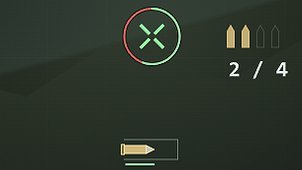
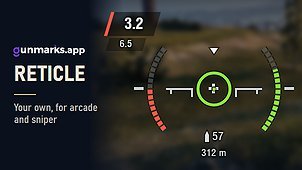
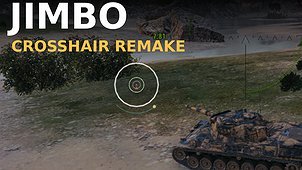
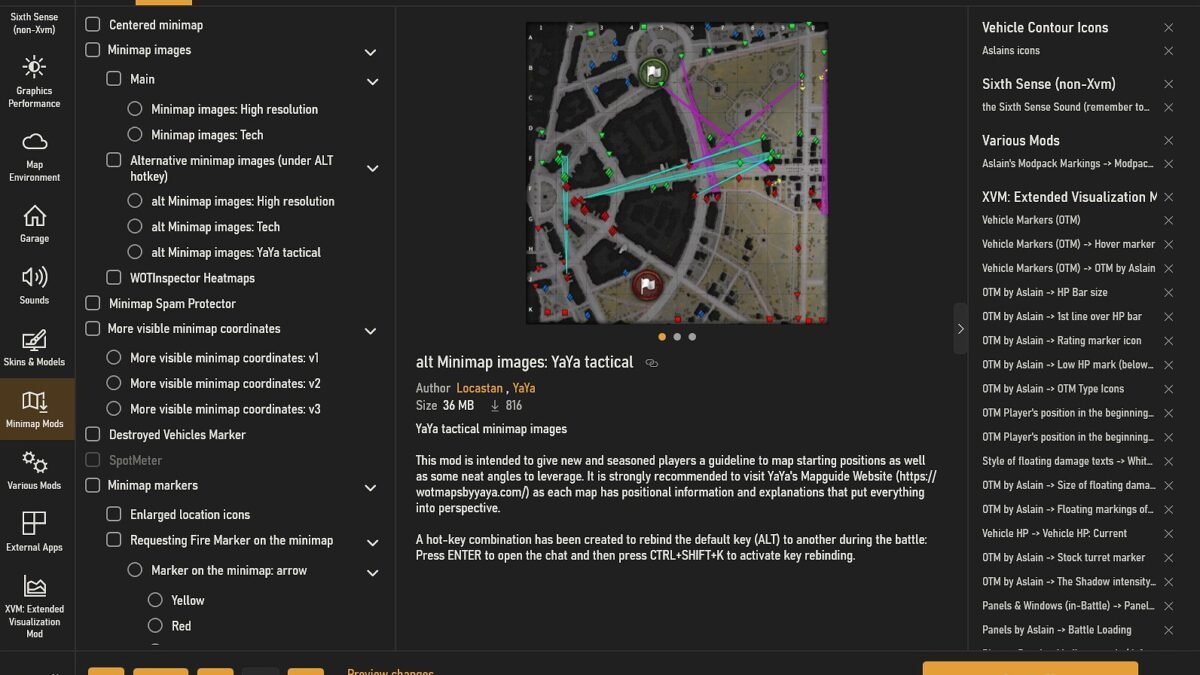
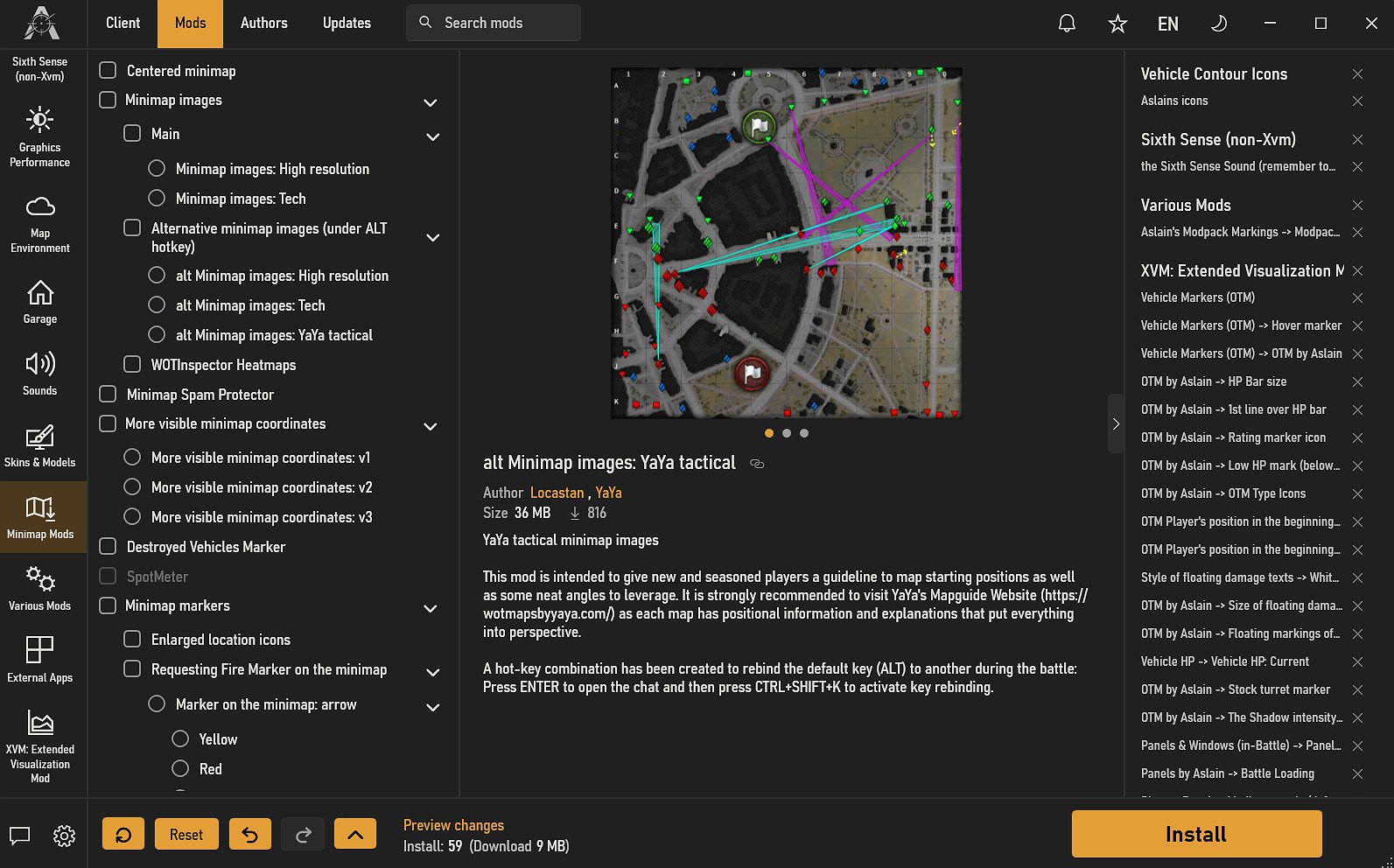
Hundreds of mods – UI, crosshairs, sounds, garages, minimaps and more, each with a description and a picture, video or sound preview.
Quick choice – categories, search, undo and redo, presets and share codes to pass your set of mods to a friend.
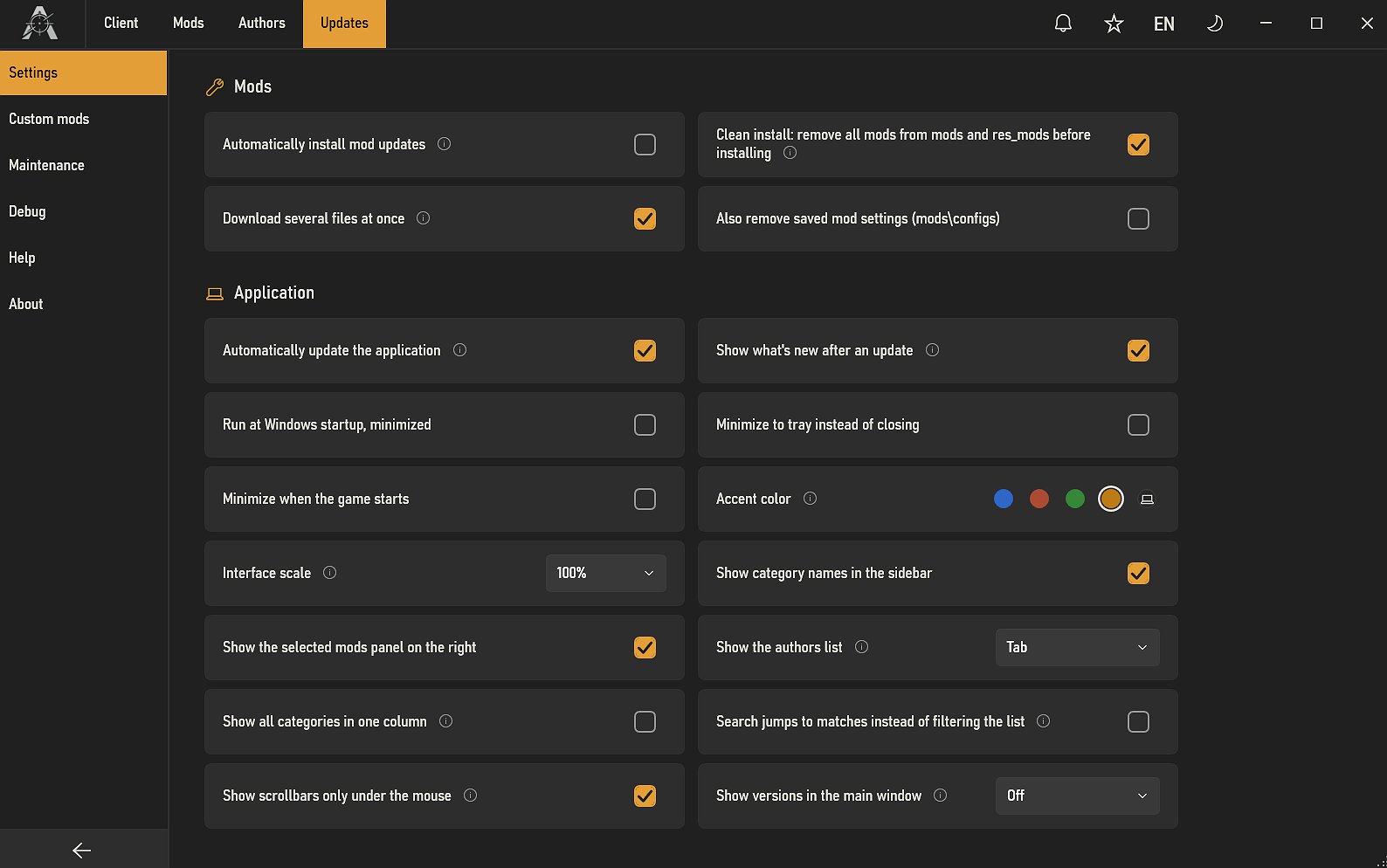
Updates in the app – the app shows what is new and updated, and updates itself. Installing mod updates automatically is optional.
Your own mods – drop your own zip, 7z, rar or wotmod archives in, and they are installed together with the rest.
Safe mode – start the game without mods in one click, without removing them.
Fair Play – only mods that comply with Wargaming’s Fair Play Policy.
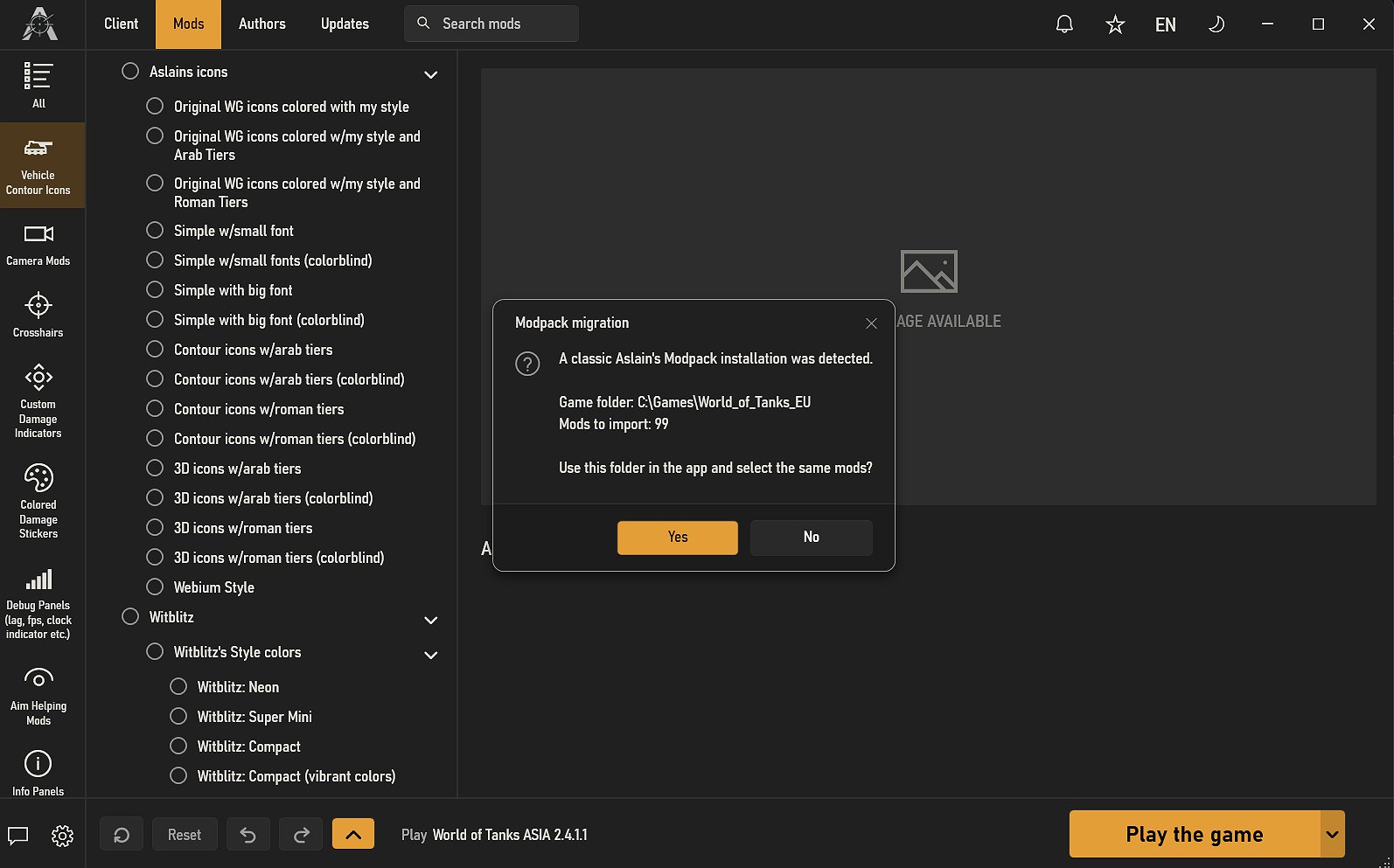
Easy switch – the app finds the classic modpack and selects the same mods you had, and old presets load too.
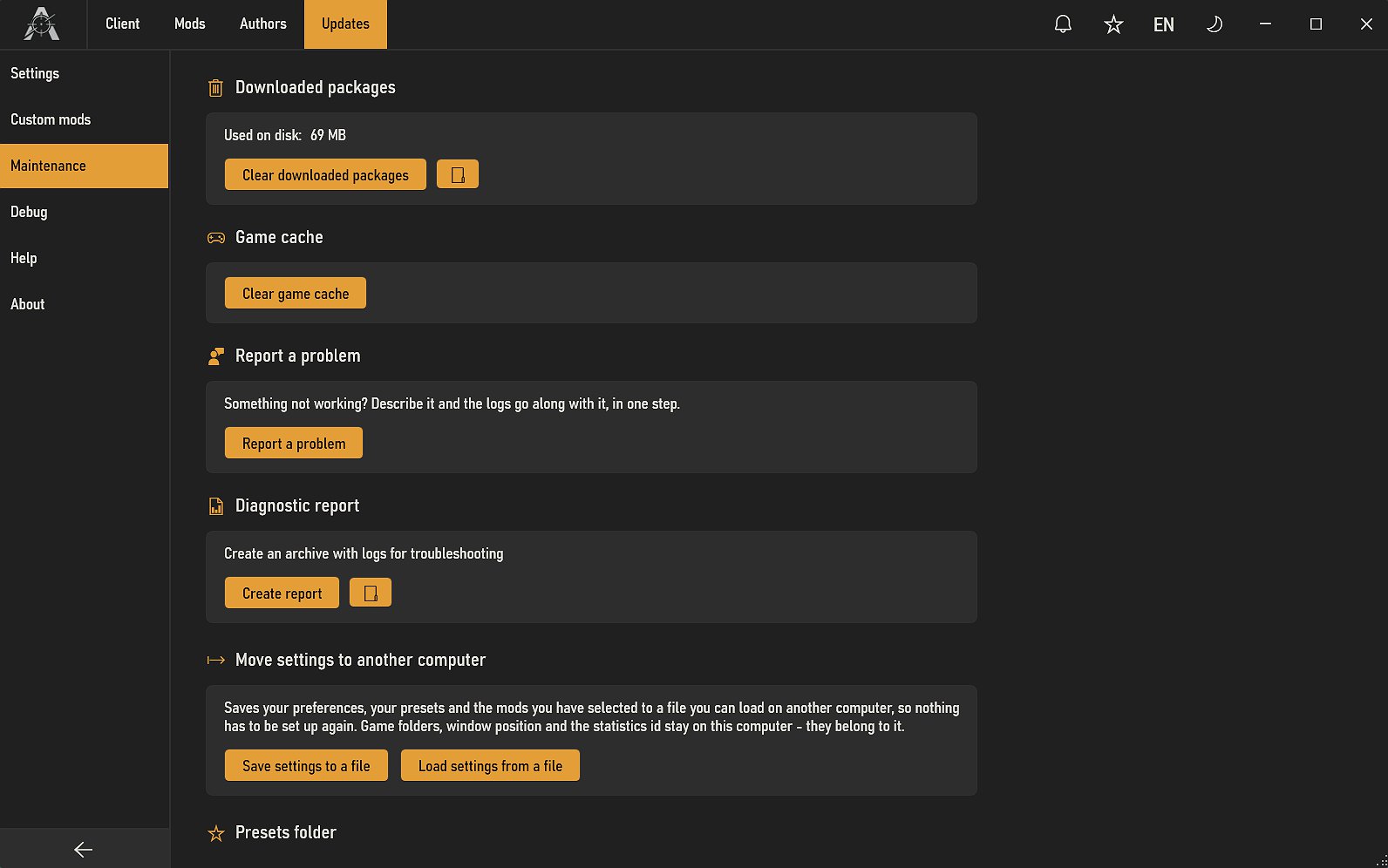
Support – a diagnostic report in one click, help on the ASLAIN.COM forums and Discord.
Prefer the classic installer?
Aslain’s Modpack with the classic installer is still available.
Installation:
– Download and run the Mod Manager setup.
– The app finds your WoT clients (Game Center, Steam). You can also add the game folder yourself.
– Select mods, press Install, then Play.
Update:
– The app updates itself and tells you about new and updated mods. Press Install to apply them.
From the classic modpack:
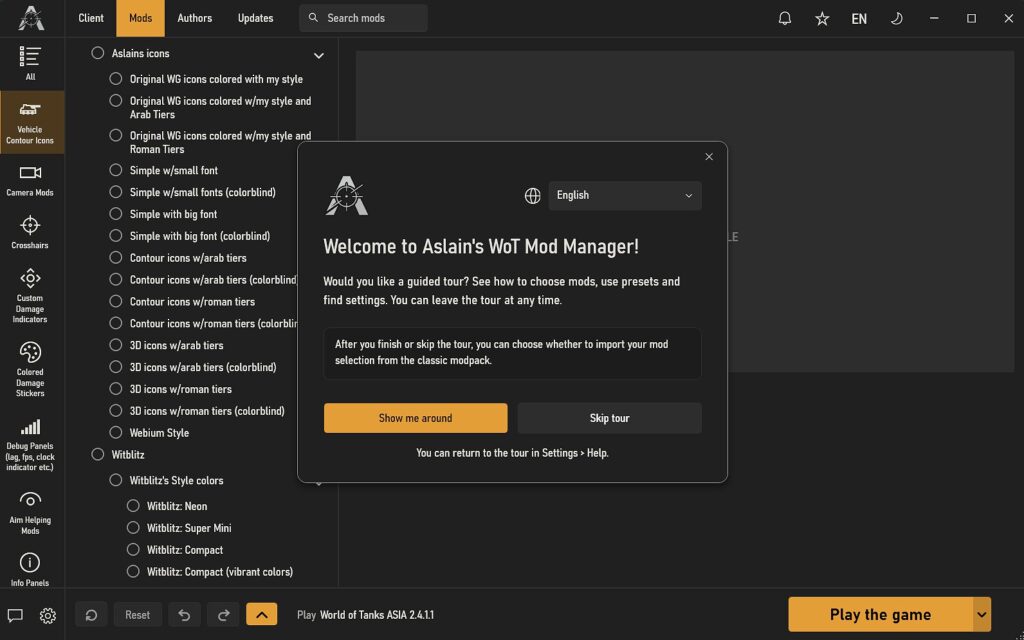
– Do not uninstall it first. On the first start the app offers to take over your mods and selections.
Removal:
– Mods: Client tab, Installed modifications, Delete.
– The app: Windows “Add or Remove Programs”.
Credits:
Aslain