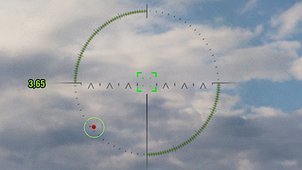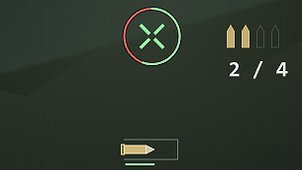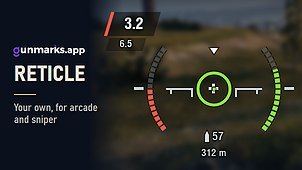
Hide Decorative Crosshairs gives you back a clean, familiar reticle on vehicles with special mechanics.
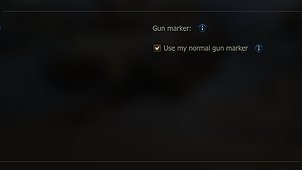
Use my normal gun marker
The Leopard 120 Verbessert replaces the gun marker you picked in Settings with its own solid Accuracy Stacks marker. Tick this option to keep your usual marker, such as a dashed circle, on that vehicle too. The aiming circle still shrinks as your stacks build, so the accuracy bonus is unchanged.
Hide reticle overlays
Some vehicle mechanics draw an extra overlay around your reticle. Tick any of them to hide it:
– Accuracy Stacks (Leopard 120 Verbessert)
– Battle Fury (T803)
– Concentration Mode (XM69 Hacker)
– Gun Overheat (no vehicle uses it yet)
– Overheat Stacks (Hirschkäfer)
– Pillbox Siege Mode (Strv 107-12)
Hiding an overlay only changes what you see. The mechanic itself works exactly as before.
Everything is off by default, so installing the mod changes nothing until you choose to. Changes apply from your next battle.
Settings are in the garage under Mods > Mod configurator when ModsSettings API is installed. Without it, edit the config file instead.
Source code: https://github.com/niall-oss/hide-decorative-crosshairs