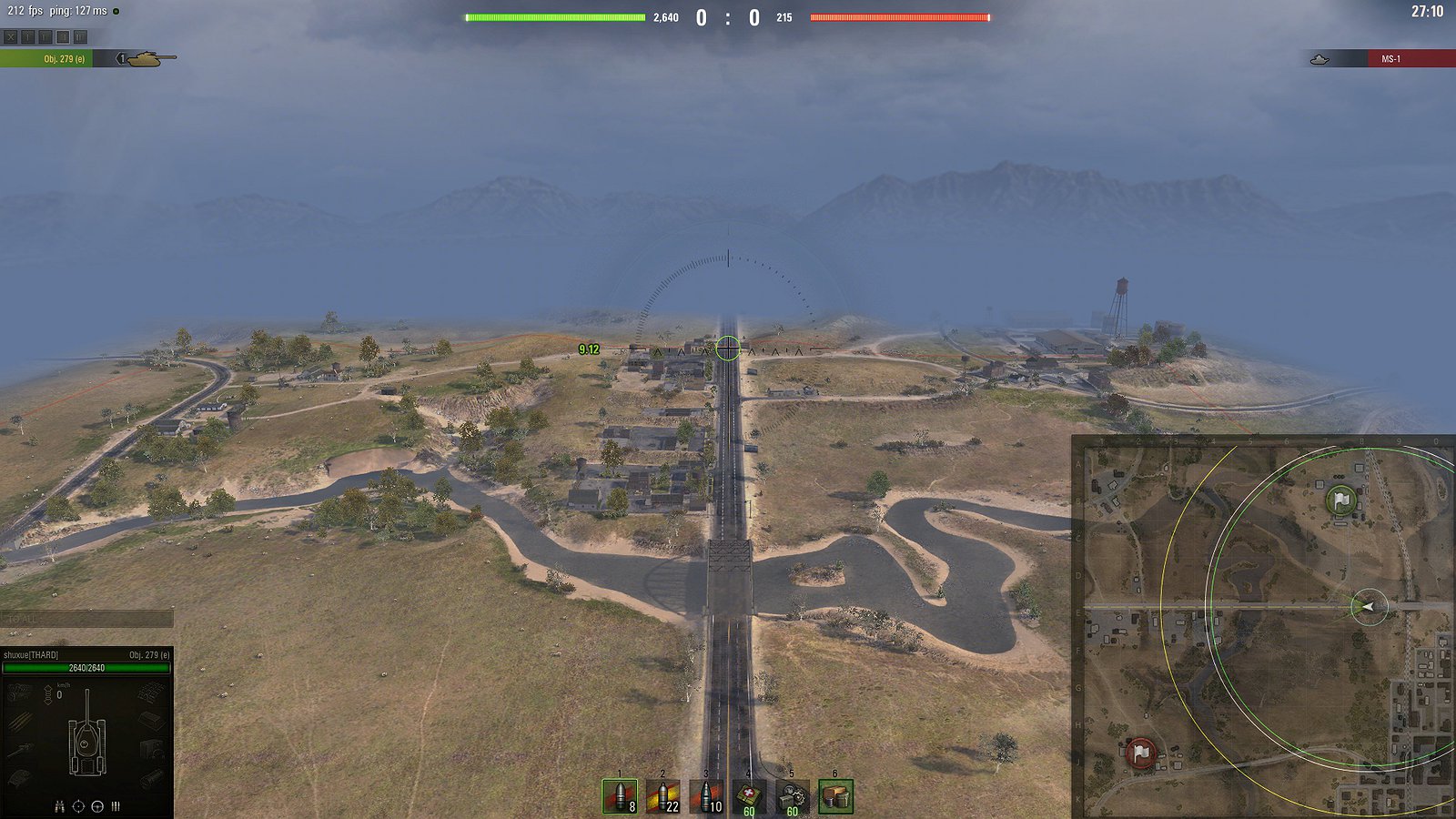
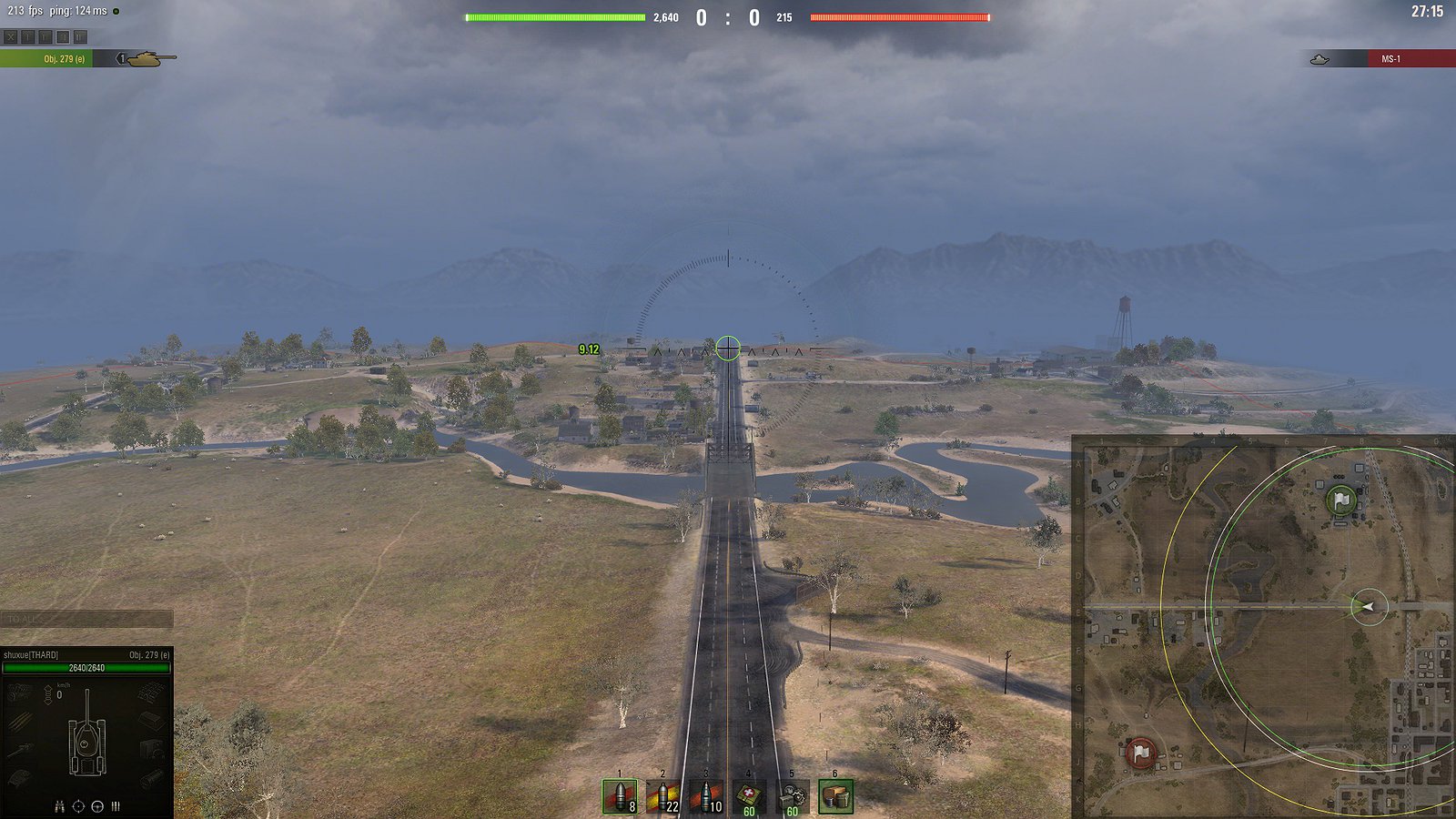
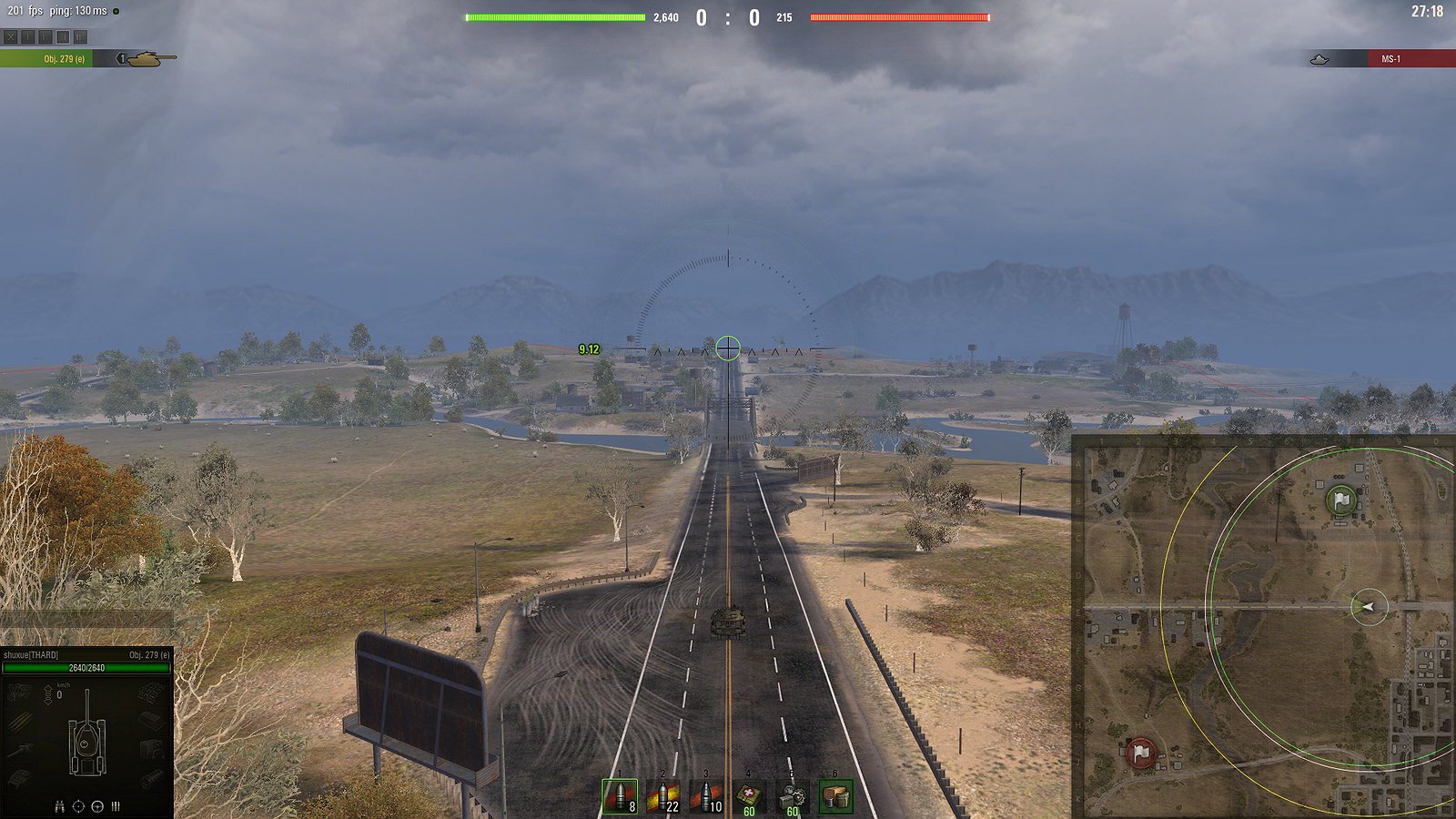
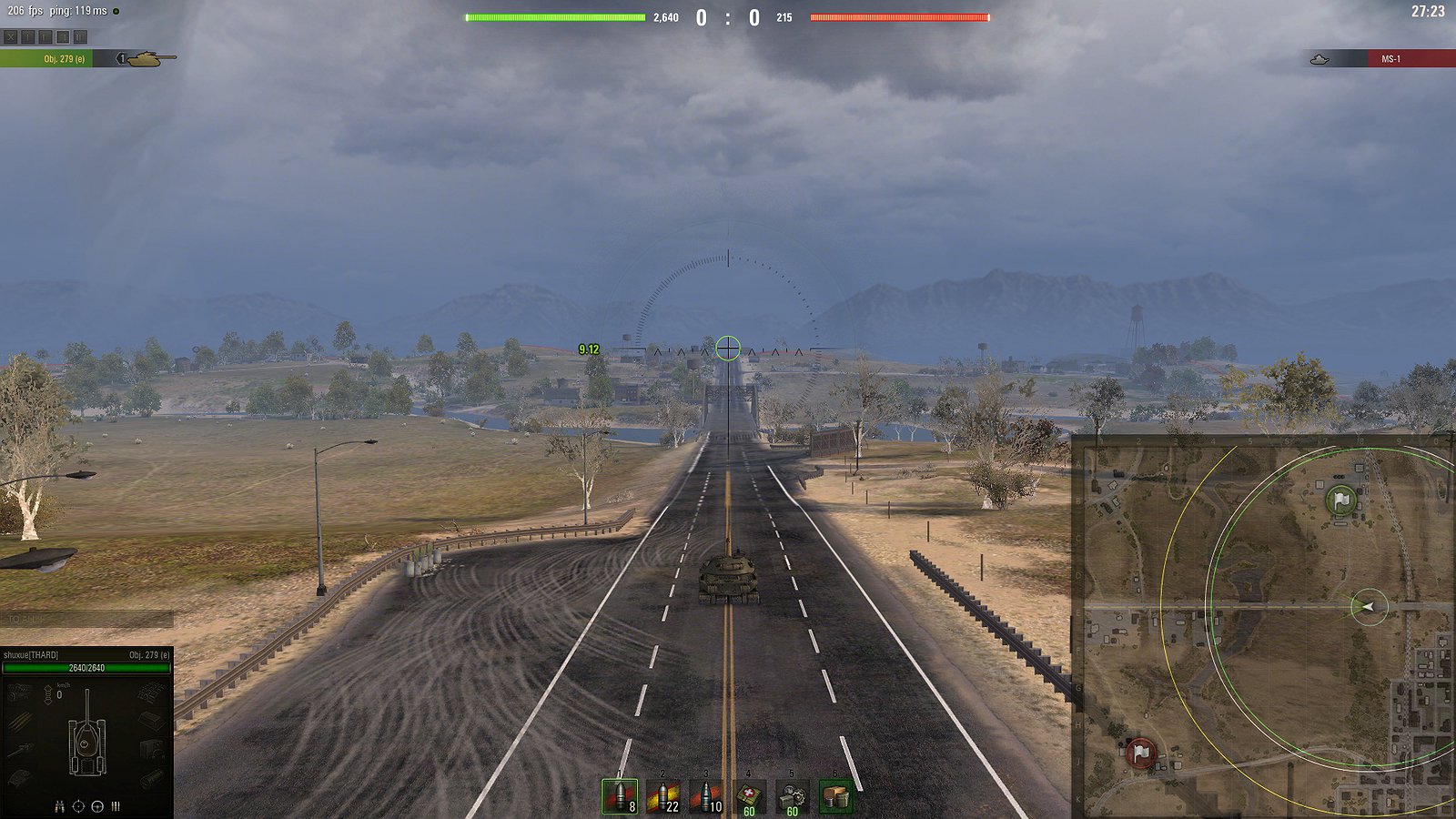
Mod description
CommanderCam = Tactical View
Reworked CommanderCam
There are 4 variants in the archive, they differ only in the return values for xZoom: x2, x4, x8;
Zooms: x1, x2, x4, x8, x16, x25, x50;
[R]Camera = x50 >>> x25 >>> x16 >>> x8 >>> x4 >>> x2 >>> x1
[R]Camera_x2 = x50 >>> x2; x25 >>> x2; x16 >>> x2; x8 >>> x2; x4 >>> x2; x2 >>> x1;
[R]Camera_x4 = x50 >>> x4; x25 >>> x4; x16 >>> x4; x8 >>> x4; x4 >>> x2; x2 >>> x1;
[R]Camera_x8 = x50 >>> x8; x25 >>> x8; x16 >>> x8; x8 >>> x4; x4 >>> x2; x2 >>> x1;
Features
Does not require updating for the game version (But it’s not certain)
Compatibility
This mod should be compatible with almost everything:
For mod PMOD by default
if you use it PMOD together with Reworked Camera, PMOD will have priority in the settings. For Reworked Camera to work as intended, you must turn off the module: zoomDistance.json.
OR
If you install PMOD from modpacks, there may be other modules included, for example: zoomX.json, scrollSensitivity.json or other modules.
Source code
Mod is not obfuscated and it’s source code is on Github repository
Contact
shuxue as @shuxue [EU] in [EN] | [RU]
Answers to questions
Will there be a centered reticle variant in arcadeMode?
Not at the moment, as I could not find a solution to the problem – dropping the reticle when scrolling the wheel, when exiting sniperMode.
Is it possible to use the centered reticle versions that are now spreading on the net and on wgmods?
I’ll call these variants a history. You can use them, but I don’t recommend it.
How do reproduce the reticle drooping problem you’re writing about?
This is tested on a vanilla client or with the centered reticle mod. If vanilla, you need to be in postmortemMode, there the reticle is centered, use the keys PgUP and PgDn and you will see how it works. The same keys for the mod, but you can be in arcadeMode.
Installation
Download
Unzip
Copy the “mods” folder to “[WoT game directory]”
Be sure to turn on the additional zooms and tactical view in the “General” settings.
Credits:
shuxue